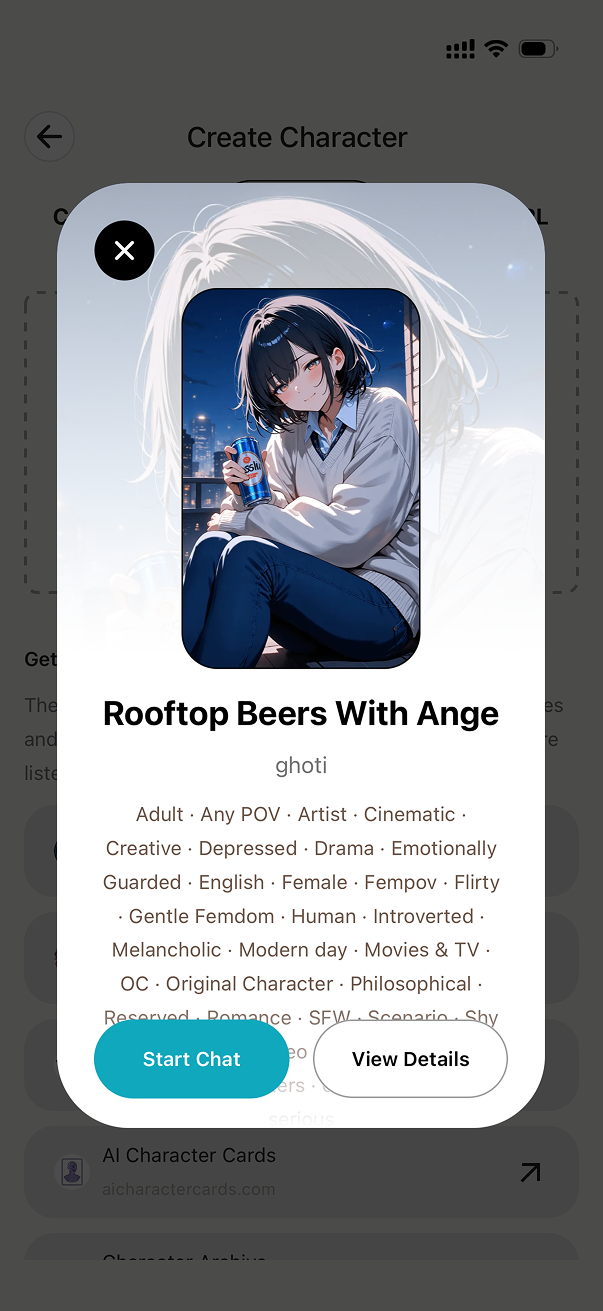
4.2 How to Get and Import Character Cards
There are many places to find cards: the official homepage lists several trusted sources in the Character cards section. MiniTavern also offers the Chrome extension Character Card Manager to manage your library in the browser, alongside the mobile app. See the blog walkthrough: Character Card Manager for Silly Tavern.
The steps below use character-tavern.com as an example; importing PNG cards from other sites works the same way.
Step-by-Step Guide
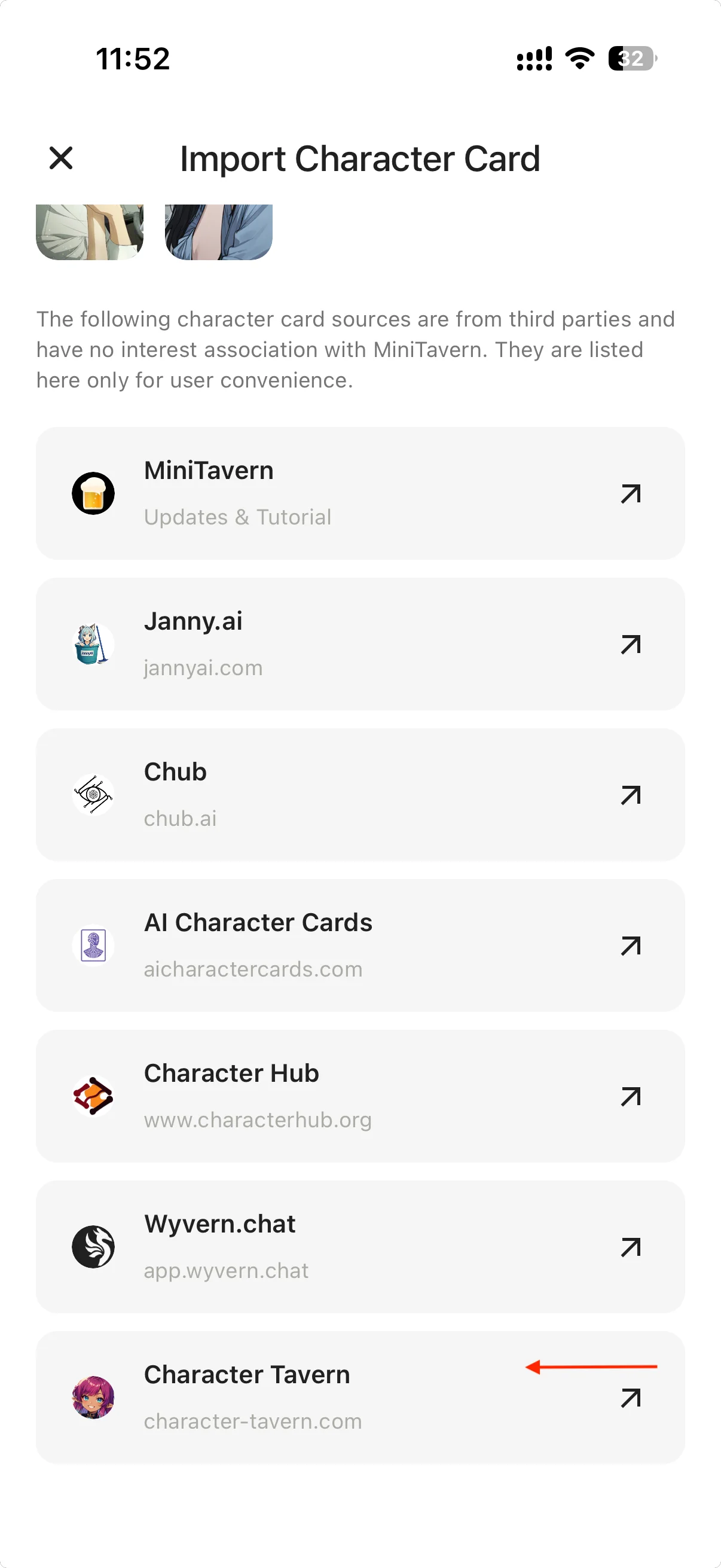
Step 1: Open Import Page and Visit Character Tavern
On MiniTavern's import page, select Import File, then click the Character Tavern link
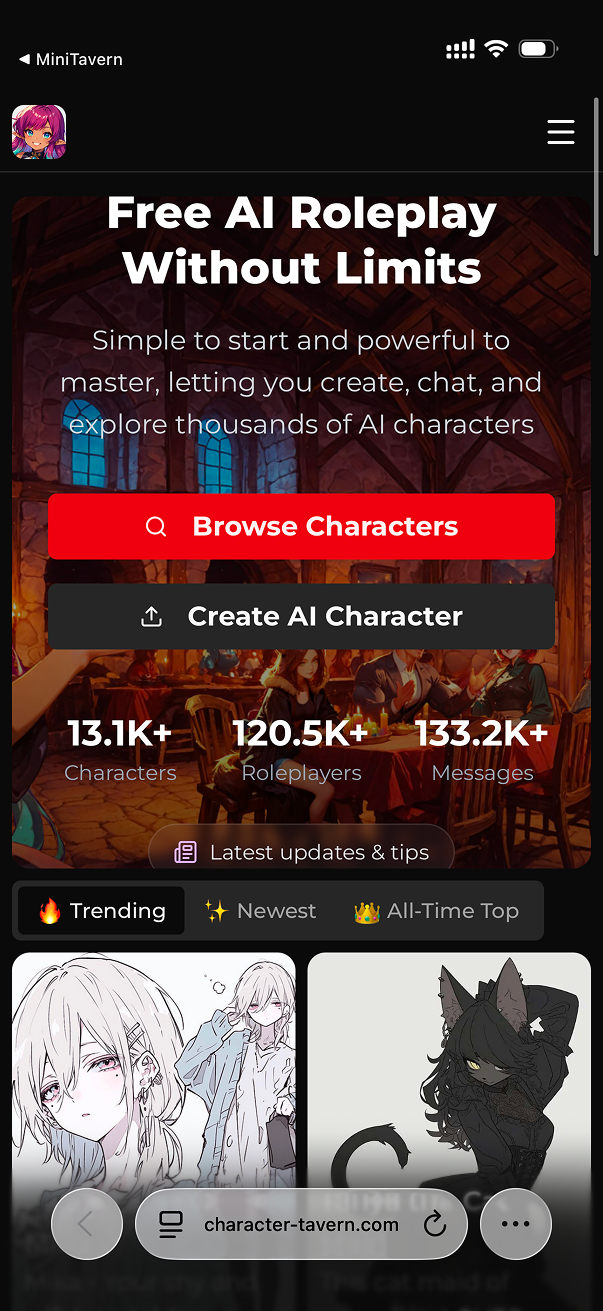
Step 2: Browse Character Tavern Website
You will be redirected to the Character Tavern website. Browse and find character cards you like
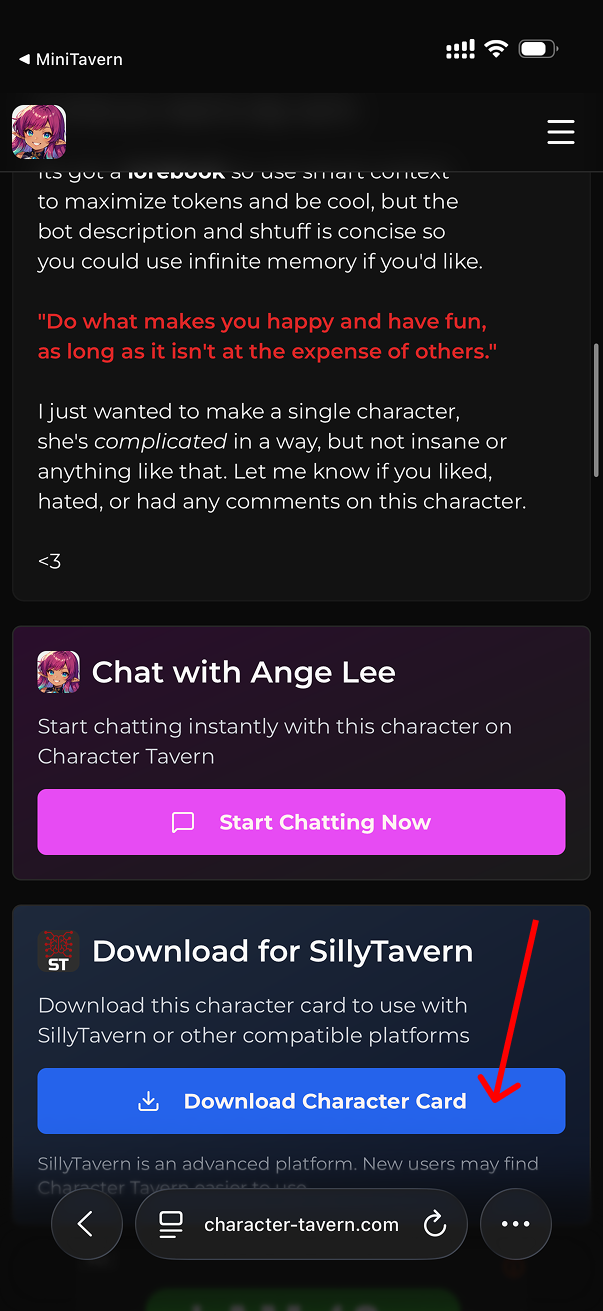
Step 3: View Character Details and Download
Click on a character card to view details, then click the download button to download the character card image
Step 4: Confirm Download
The browser will start downloading the character card file. You can view download progress in the browser's download area
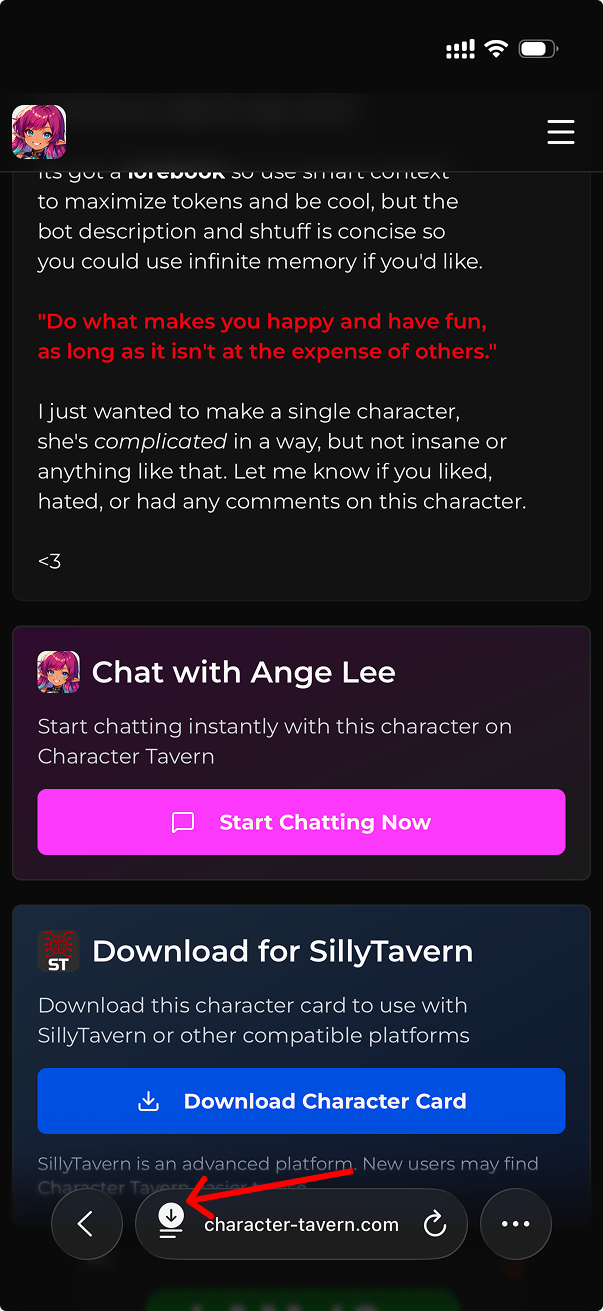
Step 5: Locate Downloaded File
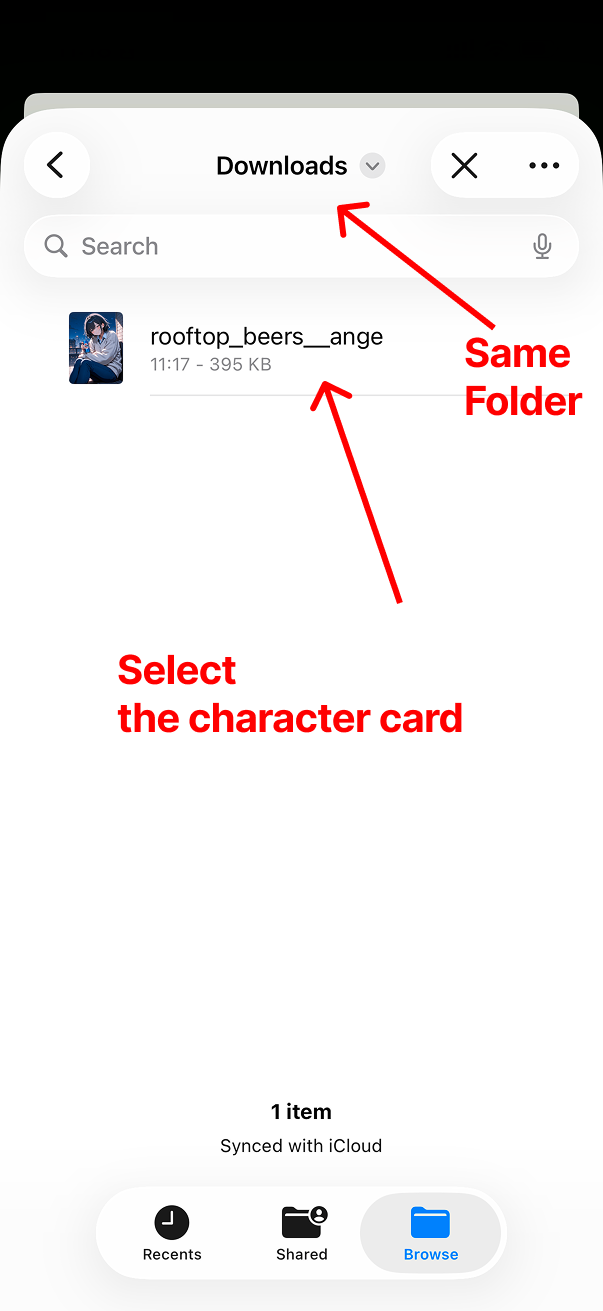
After download completes, click the download item in the browser to confirm the target folder where the file was downloaded
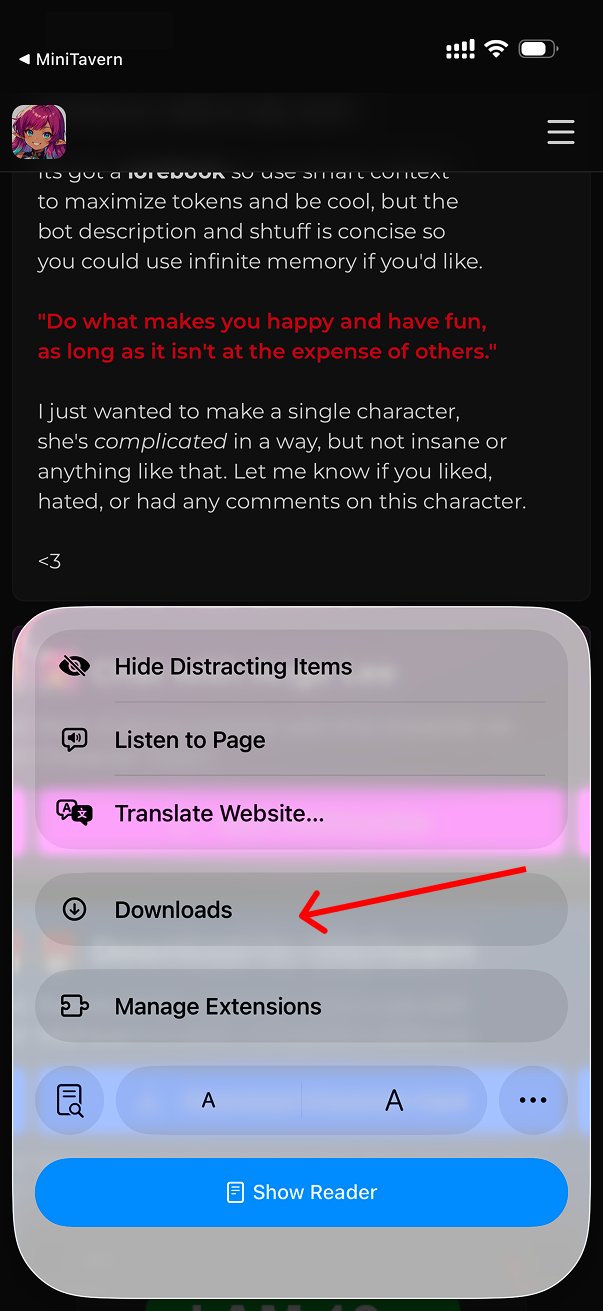
Step 6: Return to MiniTavern and Select File
Return to MiniTavern, select the just-downloaded character card from Import File
Step 7: Import Complete
Import successful! Now you can start chatting with the new character