After the Leinao Discord link dies: newbie hub, mobile, and self-hosted Silly Tavern
Leinao Discord invite (working link)
Verified working — 14 Jul 2026 — Join here or copy the line below into your browser or Discord “Join with a link”:
https://discord.gg/ftFV2TCKExWhen invites rotate, use the common resources section on the Leinao Newbie Tutorial hub.
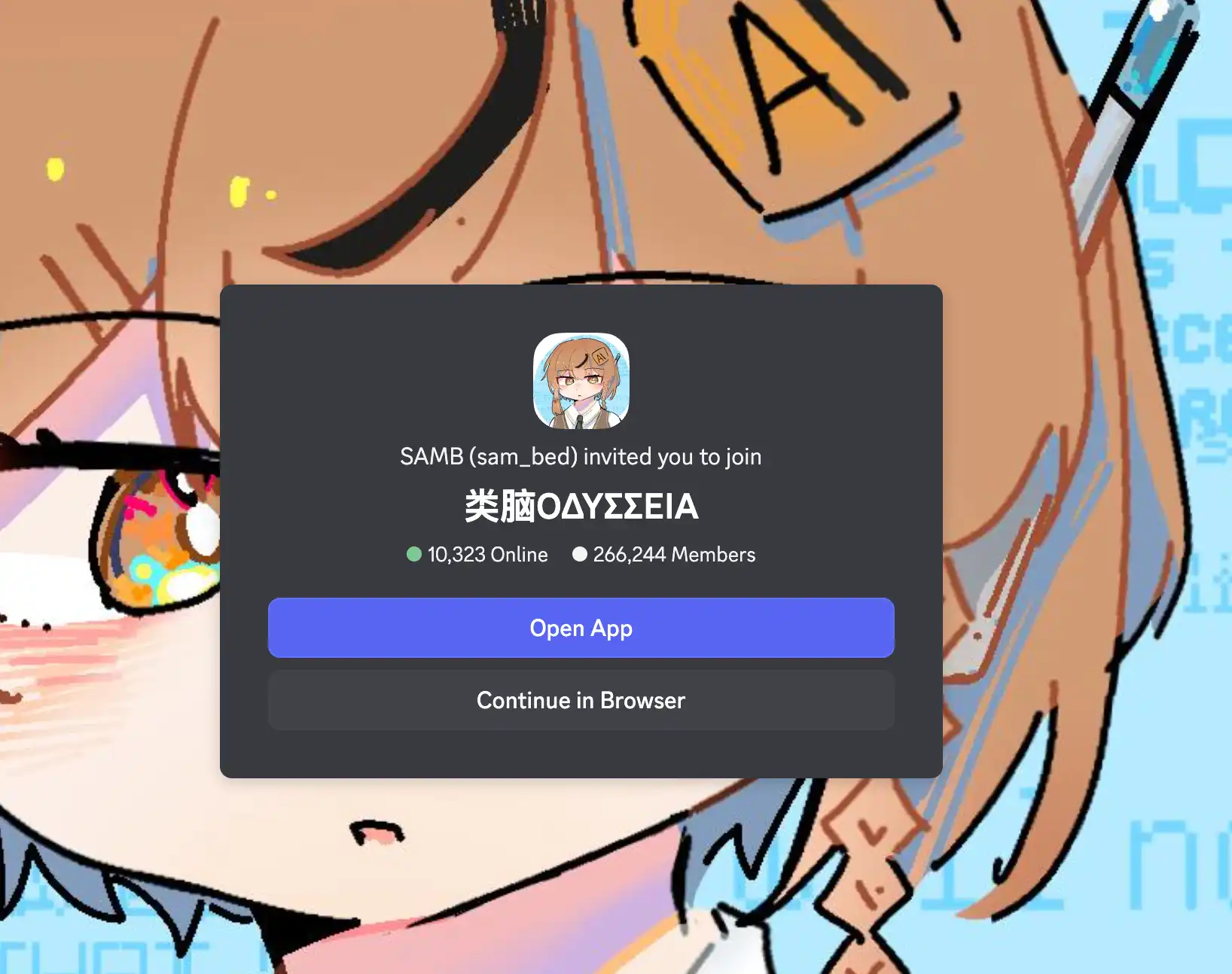
Note: Leinao is a volunteer-run community centered on Simplified Chinese. There is no dedicated English-language server or subdivision at this time. Rules and moderation are strict—if you join, read and follow the community guidelines.
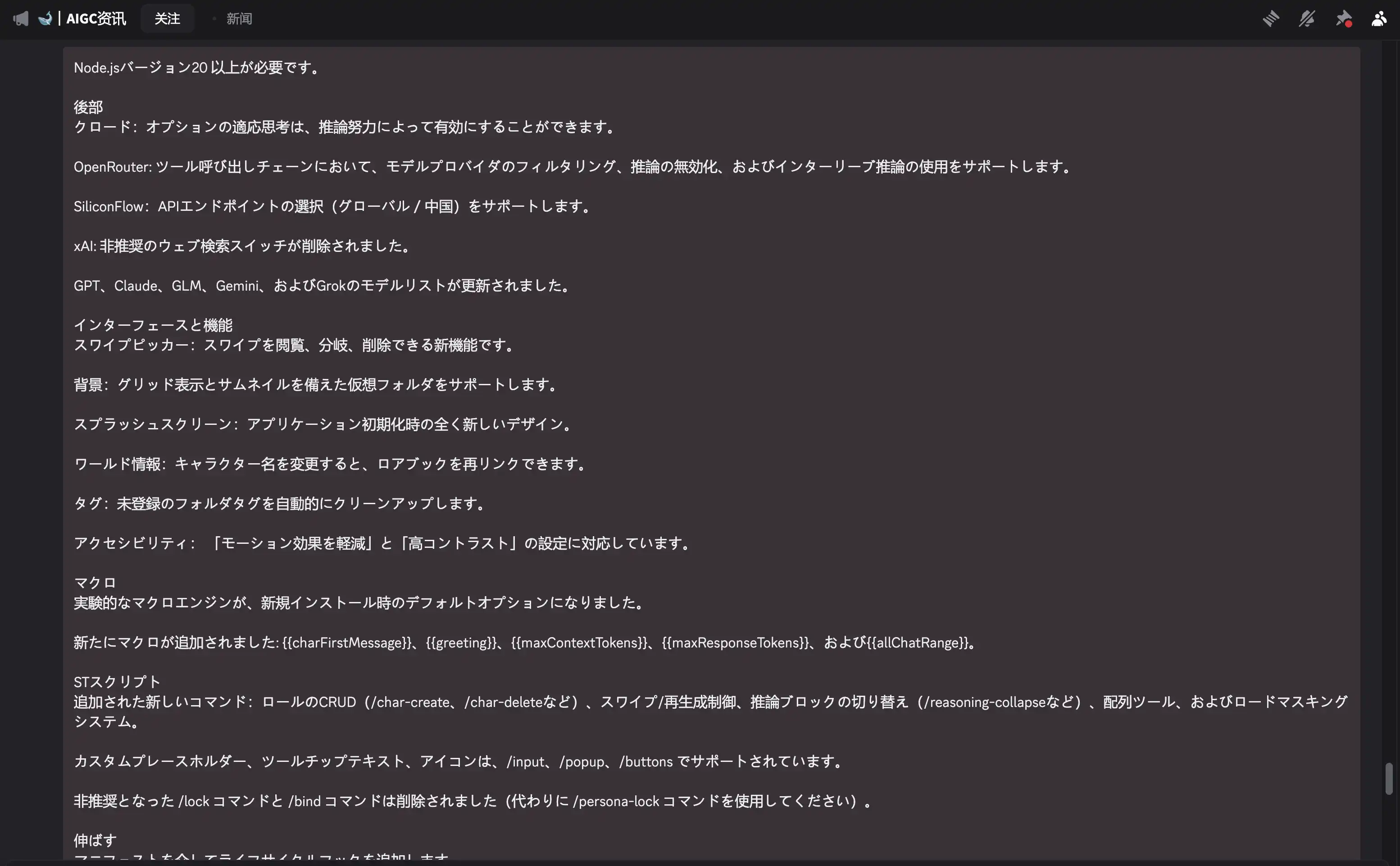
When Japanese-side Silly Tavern hubs and character-card circles are hard to surface—and you pivot to Simplified Chinese for AI roleplay and “tavern” guides—you keep hitting the same phrases: Leinao (类脑), “Leinao Discord”, and “Leinao Newbie Tutorial”. The community shipped early tutorials and scattered evergreen keywords, yet Discord invites often expire or get buried in search. A discord.gg link that fails to open does not always mean “the server is dead”; you usually need to return to a curated landing page for the current invite.
The collaboratively maintained hub is Leinao Newbie Tutorial (类脑新版宝宝教程). Its index covers deploy/setup, tavern usage, worldbooks, AI provider sourcing, and Leinao/Discord notes, and the site states CC BY-NC-SA 4.0—useful as a starter landing page instead of scraping old chat logs. It also links staples like the official Silly Tavern docs and the GitHub repo. For an up-to-date Leinao Discord, follow the “common resources” section on that site rather than stale posts.
Here is another angle: you’ve read the newbie track, you know cloud taverns save setup friction, but you live on your phone. Strong cloud instances still mean someone else’s login path, latency, account surface, and disks. Two tracks worth running in parallel: a chat-first mobile client, and a “real” self-hosted Silly Tavern on your own box or VPS.
What cloud “tavern” hosting does well—and where it frictions
Hosted Silly Tavern (cloud tavern) removes local install and port-forwarding: open a URL and play. Common pain points:
- Long paths: bookmarking into someone else’s panel; peaks can queue or throttle you.
- Weak data ownership: worldbooks, cards, and keys live on a third party—operator churn means migration.
- Mobile awkwardness: browser tabs die in the background; don’t expect push or offline.
Great for light trials; once cards and presets become “assets,” many people want at least one lane they control, and a mobile app tuned for chat.
Self-hosting Silly Tavern: what the repo already sets up
The official repository ships a container path suited to a VPS, home NAS, or any Linux host with Docker. The current Dockerfile targets Node LTS on Alpine, runs as the non-root node user, pre-creates config, data, plugins, and wires config.yaml into the right place, exposing 8000 by default; tini helps with clean long-running signals.
After boot, most mental models come from a pass through config.yaml—no need to memorize every key:
- Listen/bind: whether you’re localhost-only, LAN, or public.
- Whitelist: the default whitelistMode story, plus Docker helpers like whitelistDockerHosts so container networking doesn’t lock you out.
- Persistence: mount
dataand config as volumes so upgrades don’t wipe chats and cards.
Details belong to the official docs Docker/network sections; the Leinao Newbie Tutorial entries on “VPS cloud deploy” and “one-click Docker” are Chinese walkthrough supplements you can cross-read with English.
A blunt routing table
| If your priority is… | Consider |
|---|---|
| Learn what tavern is, how cards import | Leinao Newbie Tutorial beginner & worldbook sections |
| Discord link 404/expired | Refresh from the hub’s common resources—don’t fight dead shortlinks in old threads |
| Phone-first, less laptop | MiniTavern or the hub’s “phone to PC tavern” flows |
| You want routing + data under your control | Self-hosted Silly Tavern (Docker or other official paths) |
| Licensing & ethics | Community tutorial is CC BY-NC-SA; don’t repost character cards without permission |
Links
- Leinao Newbie Tutorial
- Silly Tavern on GitHub
- Official Silly Tavern documentation
- MiniTavern site
- Official Silly Tavern Discord
About the author

FAQ
Do I need a desktop to join the Leinao Discord?
Mobile and desktop Discord clients both work. Invites rotate; trust the tutorial hub over old paste-ins.
Can I reuse the same character card on self-host and cloud?
When the card file is a portable format, export/import across sides works—keep API keys out of public screenshots.
Must I live in the terminal for Docker?
Basic pull + volume mapping helps; NAS panels with a Docker UI can do the same mapping with env vars and bind-mounts.
Written: March 31, 2026
Last updated: July 14, 2026