Character Card Manager (for Silly Tavern) v1.2.1: less friction, a calmer local library
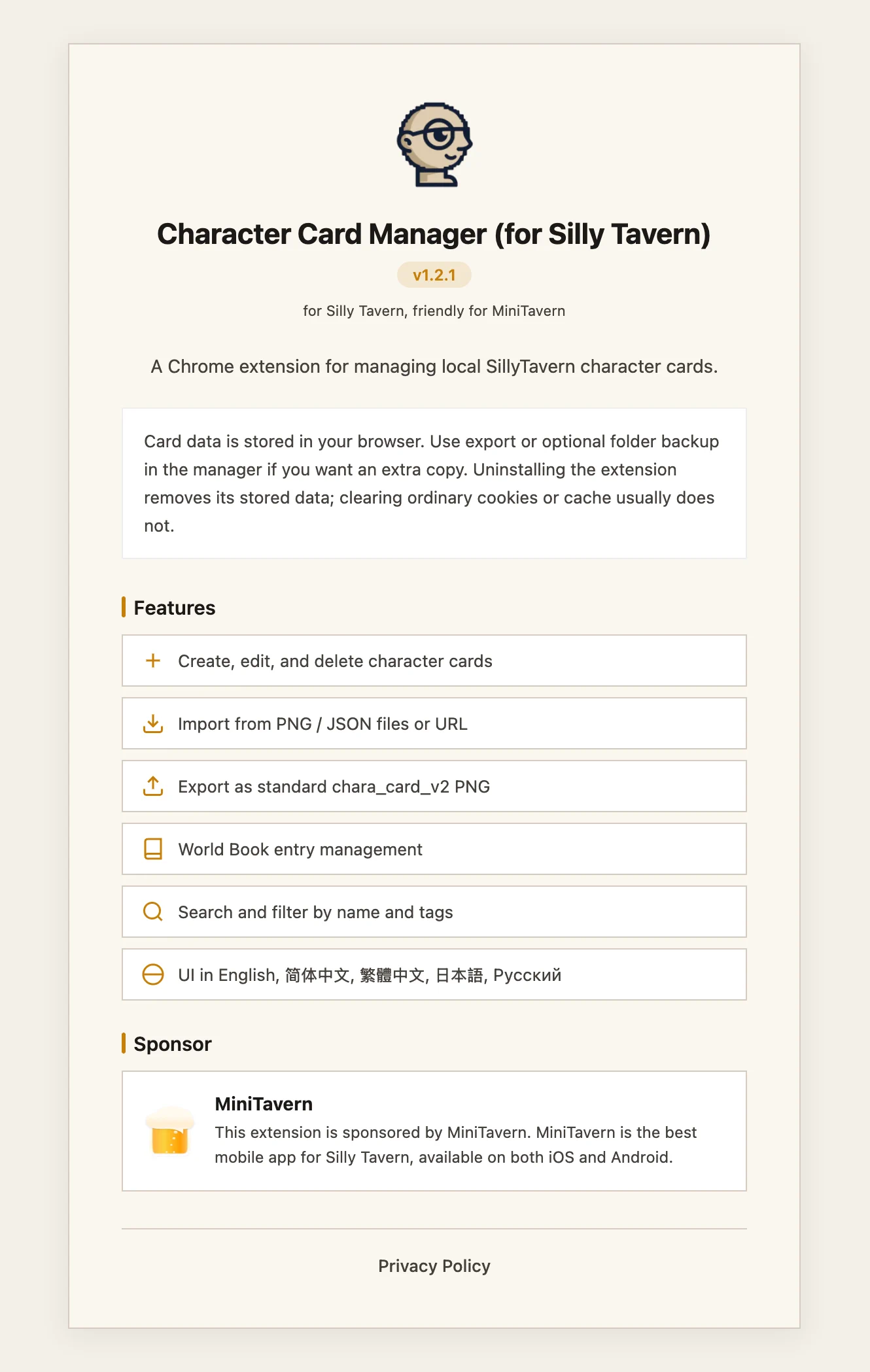
If you use Silly Tavern or a phone client like MiniTavern and you keep a big folder of PNG character cards, you know the split: chatting in-app feels great, but renaming, backup, keeping a folder in sync, or reading a long card body often happens outside the tavern UI.
Character Card Manager (for Silly Tavern) is a Chrome extension that treats your card collection as a real workspace, not a side note.
Pre-release note: If 1.2.1 is not in the store yet, try again later or use Check for update in your browser’s extension manager. The version in the add-on is what matters on your machine.
v1.2.1 is a polish update: same overall idea, but fewer “why did that just break?” moments—especially for sync to a folder, UI language, and layout when the window is small or resizing.
Who will notice it most
- You have a lot of cards and your folder is the source of truth, not just the in-game list.
- You want backups and folder sync to feel dependable when you swap machines or drives.
- You often run the browser tiled next to other apps.
If that’s you, most of 1.2.1 is aimed at these habits.
1. Language no longer flips to English after every update
Extensions update in the background. If the UI language didn’t stick, you’d end up in English (or a default) and had to open settings again.
Now your choice is kept the way you’d expect—reopen the manager after an update and you’re still in the same language.
2. Sync to folder: odd card titles are less likely to break the run
Sync writes one PNG per card into a folder you pick—handy for backups and Silly-style flows. If a derived file name had characters the system didn’t like, the whole sync could look like a mystery failure.
Now names for export are cleaned in one pass (with a fixed id suffix and room for edge cases) so a card that’s fine in the app is more likely to save to disk without a hard stop.
3. On a narrow window, the top bar doesn’t shove the grid away
On small widths or side-by-side layouts, a long line in the header could wrap a lot and eat vertical space from the card grid.
On narrow layouts the long promo line is toned down; logo and store links stay—more room for the cards.
4. While resizing, less visual “dancing” — the layout settles when you let go
Dragging the window edge reflows sidebars and lists constantly—tiring if you just want a comfortable width.
Now a light overlay can cover the page while you drag, then the list refreshes once when you release, so the layout snaps cleanly. If you’re deep in an unsaved card edit, we avoid disruptive reloads there.
5. Other small fixes that add up
- The sponsor / info line no longer uses a busy horizontal scroller that fought the layout.
- Cancel from edit lines up with leaving the big card view so you don’t get stuck in-between states.
- Light / dark and “Follow system” is explained more clearly: it follows the OS/browser light-or-dark preference, not the clock—and theme mixups are reduced.
- Changelog, blog, and the version string in the add-on line up on 1.2.1.
Why a post for this
People spend hundreds of hours curating for Silly Tavern. An extension that only “kind of works” shows its cracks when you sync a lot or use a half-screen layout. v1.2.1 nudges things toward predictability in those daily moves.
Already using the manager? Update to 1.2.1, run a full folder sync to a backup path, and try a narrow window—that’s where the change is easiest to feel.
New here? It’s a free Chrome add-on for local Silly Tavern card workflows. Feedback on weird file names and paths helps the next point release.
More links: https://mini-tavern.com/manager.html
Install from the Chrome Web Store
About the author

FAQ
The store doesn’t show 1.2.1 yet. What should I do?
Try again later or use Check for update in your browser’s extension manager; trust the version shown inside the add-on.
Do folder sync failures relate to card titles?
v1.2.1 normalizes file names on export so odd characters are less likely to break a full sync run.
How is this different from managing cards only inside Silly Tavern?
The extension is for curating and backing up large PNG libraries in the browser; chat stays in Silly Tavern or clients like MiniTavern.
Published: April 25, 2026
Updated: April 25, 2026